
Monitor your JK-BMS over Bluetooth with no cloud account required.
Runs entirely on-device. No gateway, no cloud, no subscription, no sign-up.
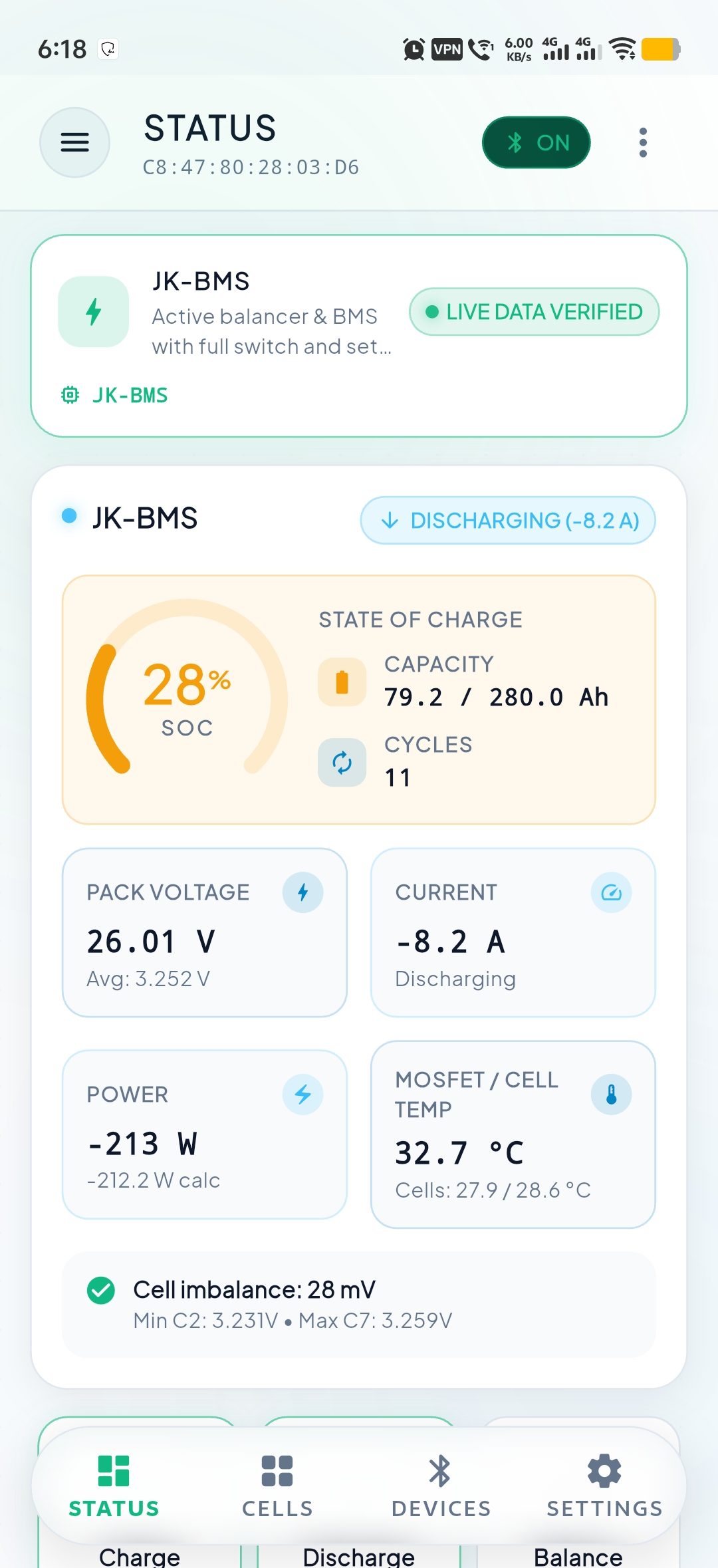
JK BMS Bluetooth connects straight to your battery over Bluetooth Low Energy and shows you live cell voltages, temperatures, current and state of charge, right on the phone in your hand.

A local app for the battery in front of you
JK BMS Bluetooth is for the moment you are standing at the battery. It connects directly to a JK-BMS active-balancer pack over Bluetooth Low Energy and reads the pack's own telemetry (the same numbers the vendor app shows), without a cloud account in the middle.
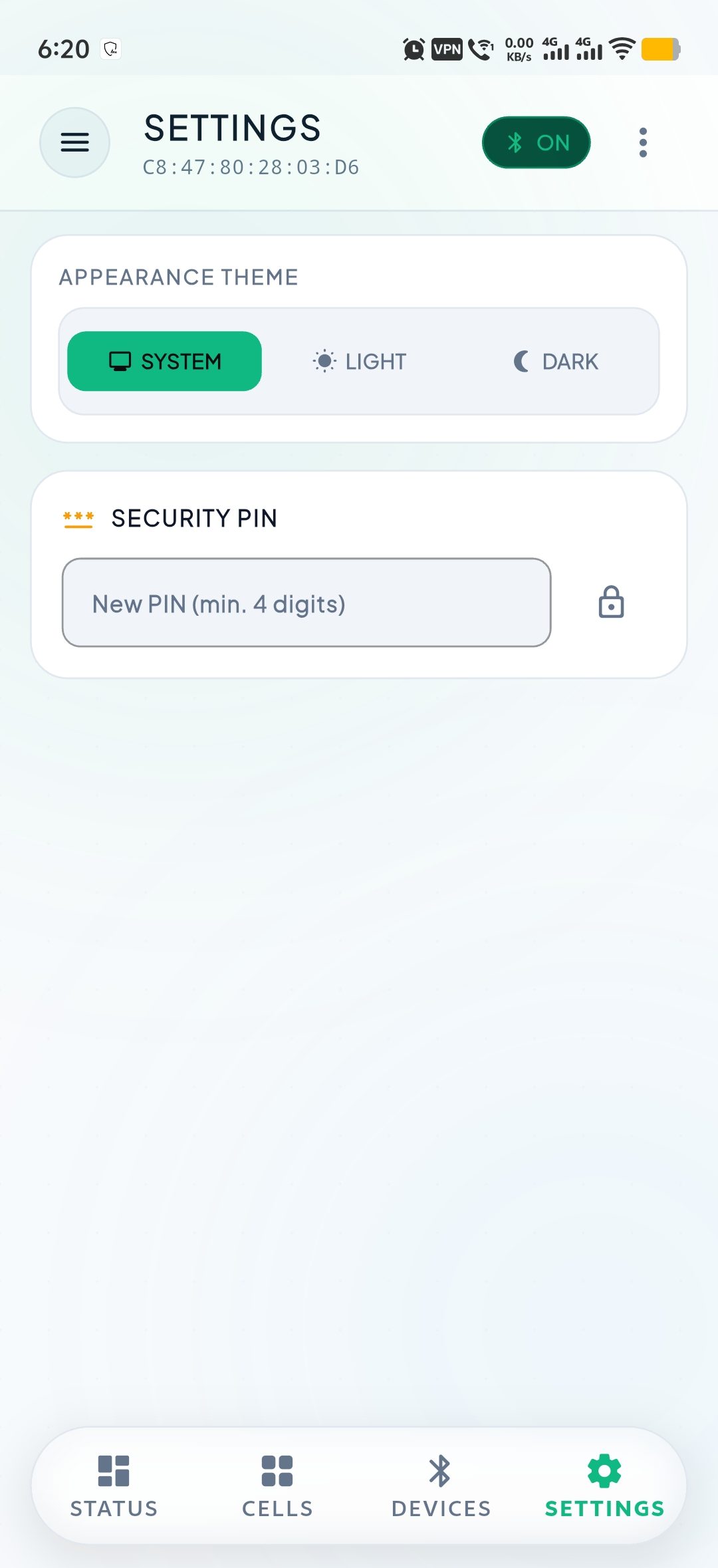
It is deliberately local. There is no gateway to flash, no server to reach, and nothing to sign in to. Your theme choice, your last-connected device and your Security PIN are stored in a local database on the phone and nowhere else.
It reads the connected BMS's own identity, too (model, hardware and firmware revision, serial number, manufacturing date, and run time), and can pull its on-board event log on demand. There is no simulation or demo mode: every number on screen comes from a real battery you are actually connected to, and when nothing is connected the app says so instead of showing placeholder values.
Everything the battery reports, on the screen
Live telemetry, safe controls and honest empty states, with nothing sent to a server.
Live pack telemetry
State of charge, pack voltage, live current and power, updated straight from the BMS over Bluetooth.
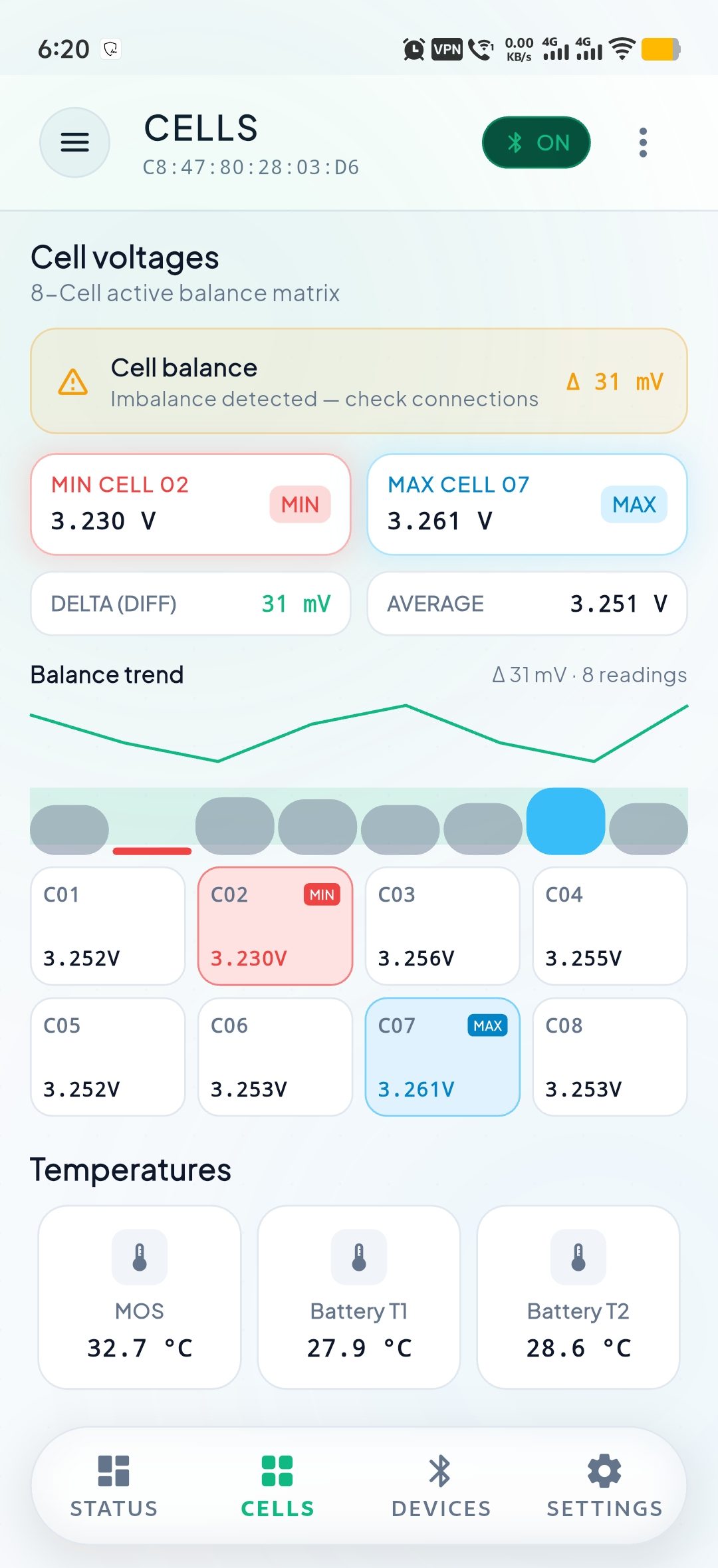
Every cell, watched
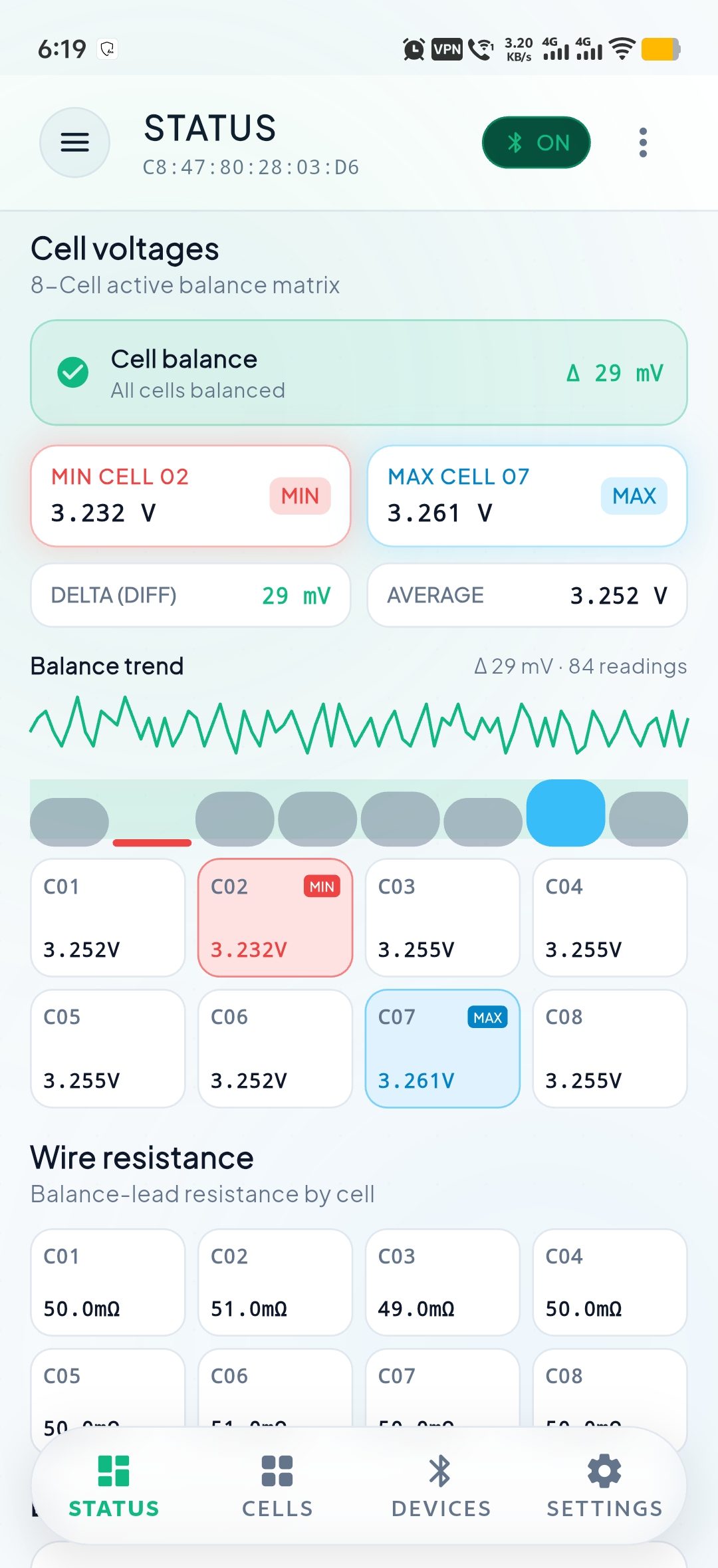
Per-cell voltages with the lowest and highest cell called out, cell delta in mV, and balance-lead resistance where your pack reports it.
Temperature monitoring
MOSFET and external battery-probe temperatures, read live alongside the rest of the pack data.
Active-balancer control
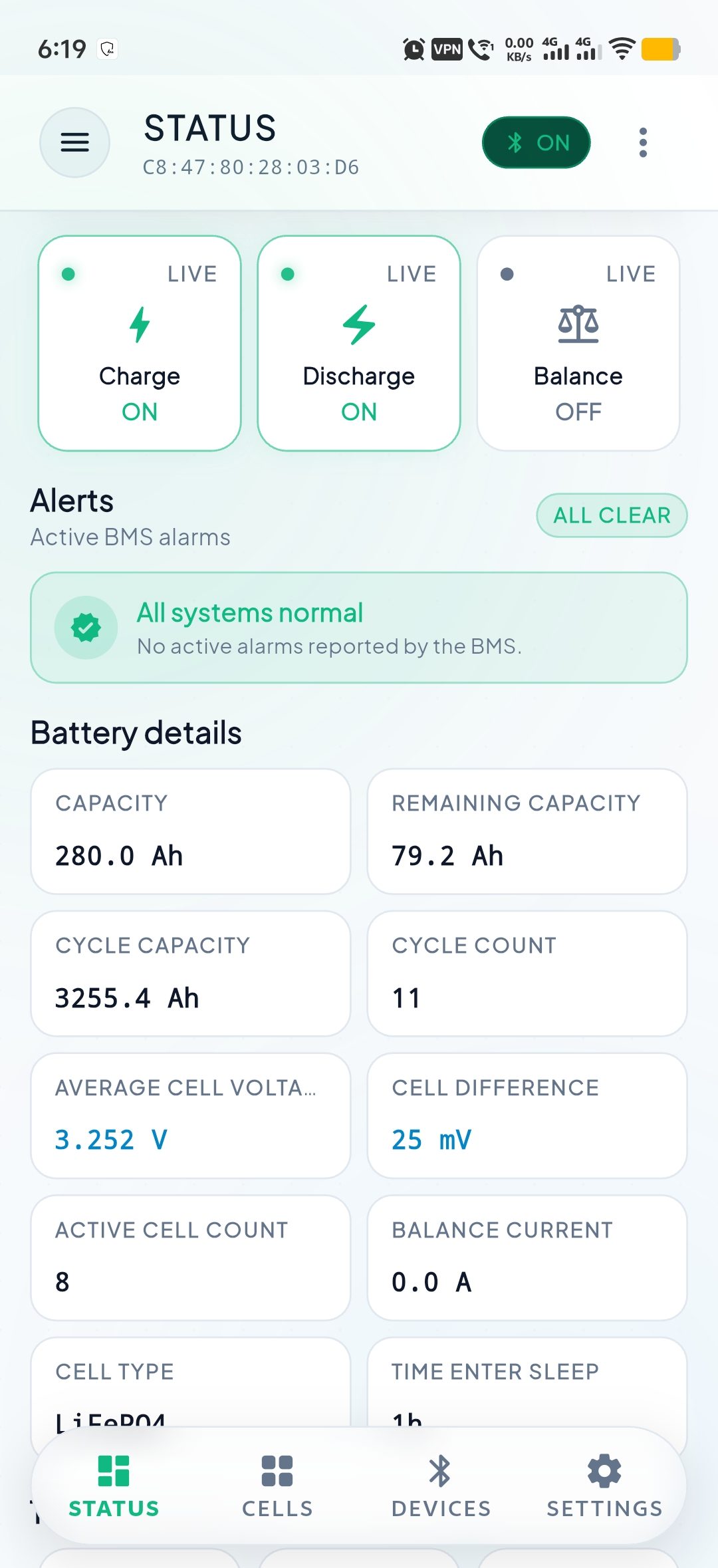
Charge, discharge and balance switches, plus the extended registers, each one protected behind the Security PIN before any write is sent.
Per-field locked settings
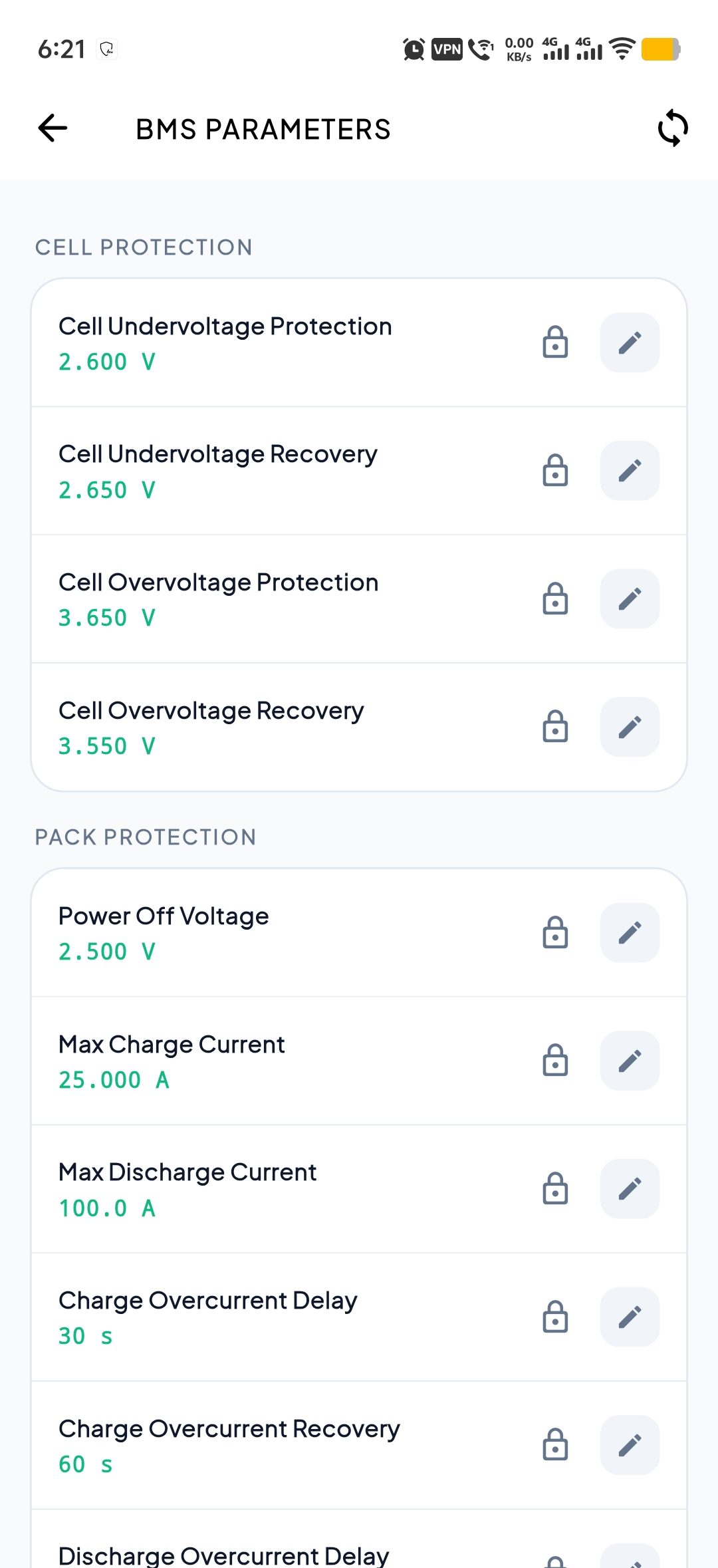
The full BMS parameter set, each field unlocked individually with the PIN, saved, and then re-locked.
Charts, themes and diagnostics
Live charts, light and dark themes, and an in-app diagnostics log of discovered devices and raw frame activity.
See it on a real battery
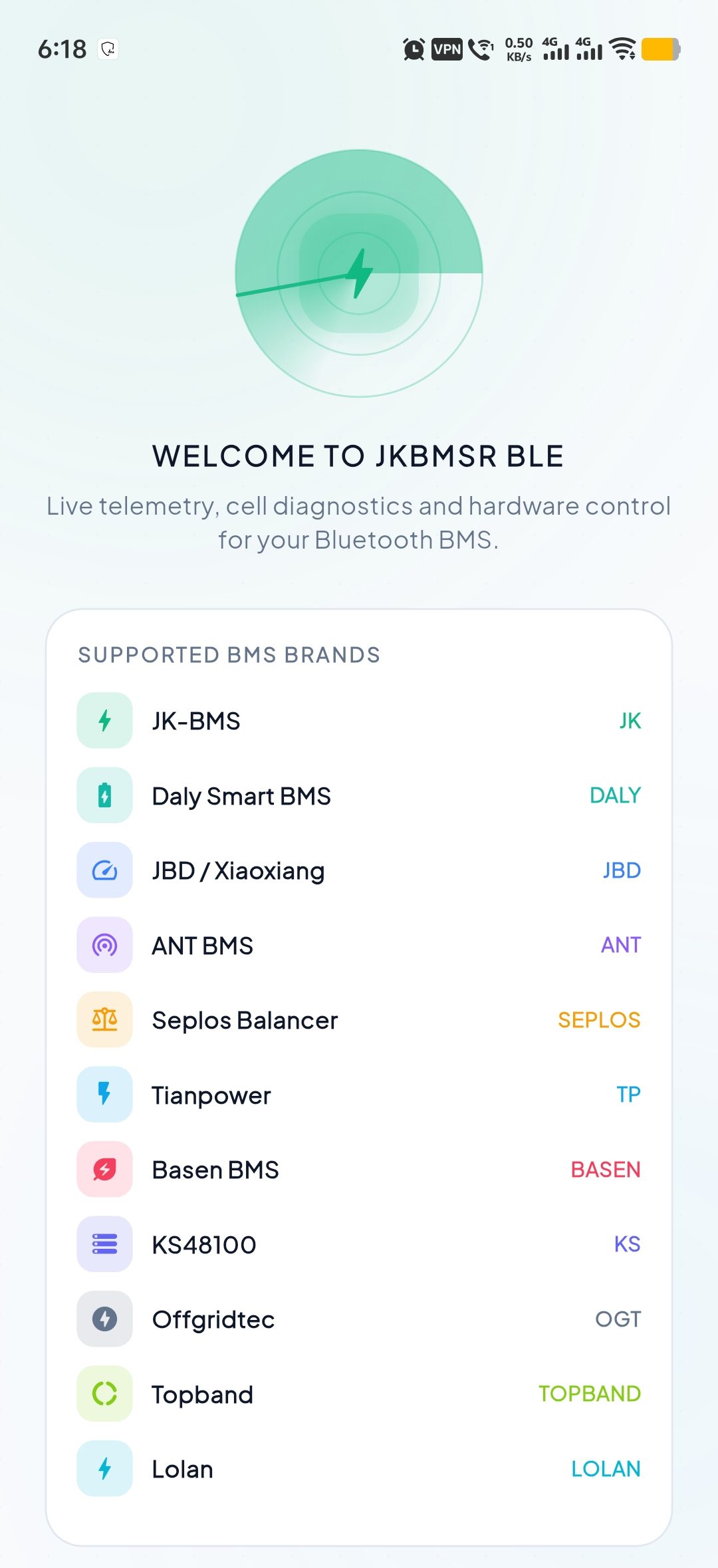
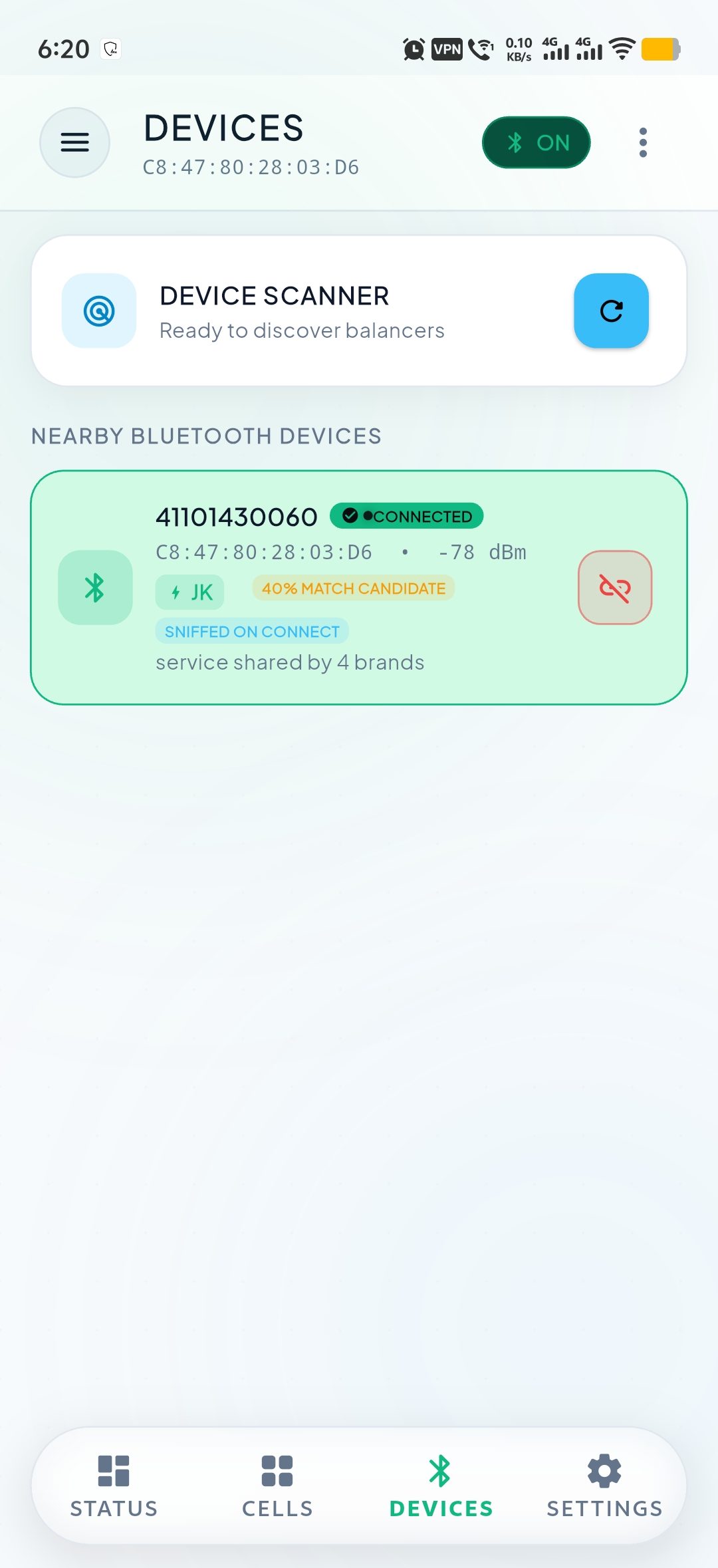
Actual captures from a connected JK-BMS: live telemetry, cell balance, safe controls, and settings (scroll sideways).
From a cold start to live telemetry
No account, no gateway and no network setup. The app talks to the battery directly.
1. Turn Bluetooth on
Open the app with the phone near the battery. Bluetooth is the only permission it asks for.
2. Scan and connect
The Devices screen lists JK-BMS hardware it can name, and flags matching hardware it cannot as a possible BMS.
3. Read live telemetry
Status shows charge, voltage, current, power, per-cell voltages, temperatures and any active alarms.
4. Control (if you choose)
Unlock the Security PIN to toggle charge, discharge or balance, or to edit a parameter field.
Which app do I need?
The three apps do different jobs. Most people need at most two of them.
The Bluetooth app works alone, straight from phone to battery. The Remote app needs a gateway you have already flashed. The Contributor app is a small, opt-in way to give back.
| Feature | JK BMS Bluetooth | JK BMS Remote | JK BMS Contributor |
|---|---|---|---|
| What it's for | Local Bluetooth monitoring | Remote monitoring via a gateway | Anonymous data donation |
| Connects to the battery | Directly over Bluetooth | Through an ESP32 gateway | Directly over Bluetooth |
| Needs a gateway | No | Yes | No |
| Needs a cloud account | No | Yes | No |
| Works offline | Yes | No | Yes (capture and export) |
| Controls the BMS | Yes, PIN-gated | No (read-only) | No (read-only) |
| Push alerts | No | Yes | No |
| Platform | Android 6.0+ | Android 8.0+ | Android 7.0+ |
| Google Play | Available | Available | Available |
What you do not need
The BLE app has no dependencies beyond a phone and a battery.
Stand next to the battery and connect
Install JK BMS Bluetooth and read your pack on the next scan, no sign-in required.